
Top Social Media Tools: The 2026 Cheat Sheet
Don’t have time to read the full guide? Here are the top picks for your social media arsenal:
- Best for Scheduling: Buffer (3 profiles free), Metricool (robust analytics).
- Best for AI Content: PostNitro (carousels), Opus Clip (short-form video).
- Best for Visuals: Canva (design), CapCut (video editing).
- Best for Insights: Google Analytics, AnswerThePublic (keyword intent).
The Social Media Survival Guide: Why “Free” is Your New Best Friend
Let’s be real for a second: managing social media in 2026 feels a bit like trying to drive a car while someone is constantly changing the engine. One day you’re mastering short-form video, and the next, a new algorithm update decides that long-form “raw” storytelling is the only way to reach your audience.
I’ve been there. I remember the late nights staring at a blinking cursor, wondering if anyone would actually see the post I spent three hours editing. The pressure to be everywhere, TikTok, Instagram, LinkedIn, X, and the emerging community-first hubs, is exhausting. And if you’re a small business owner or a solo creator, you probably don’t have a $10,000 monthly budget for fancy enterprise software.
The good news? The “Great AI Democratization” of 2025 has fully matured. In 2026, the gap between “free” and “paid” tools has narrowed significantly. You can now access professional-grade Social Media Tools that handle everything from predictive analytics to AI-driven video clipping without spending a dime.
In this guide, we’re going to look at 30 tools that aren’t just “trial versions” but genuine assets that will save you time, sanity, and money.
1. The Strategy & Discovery Suite: Knowing What to Post
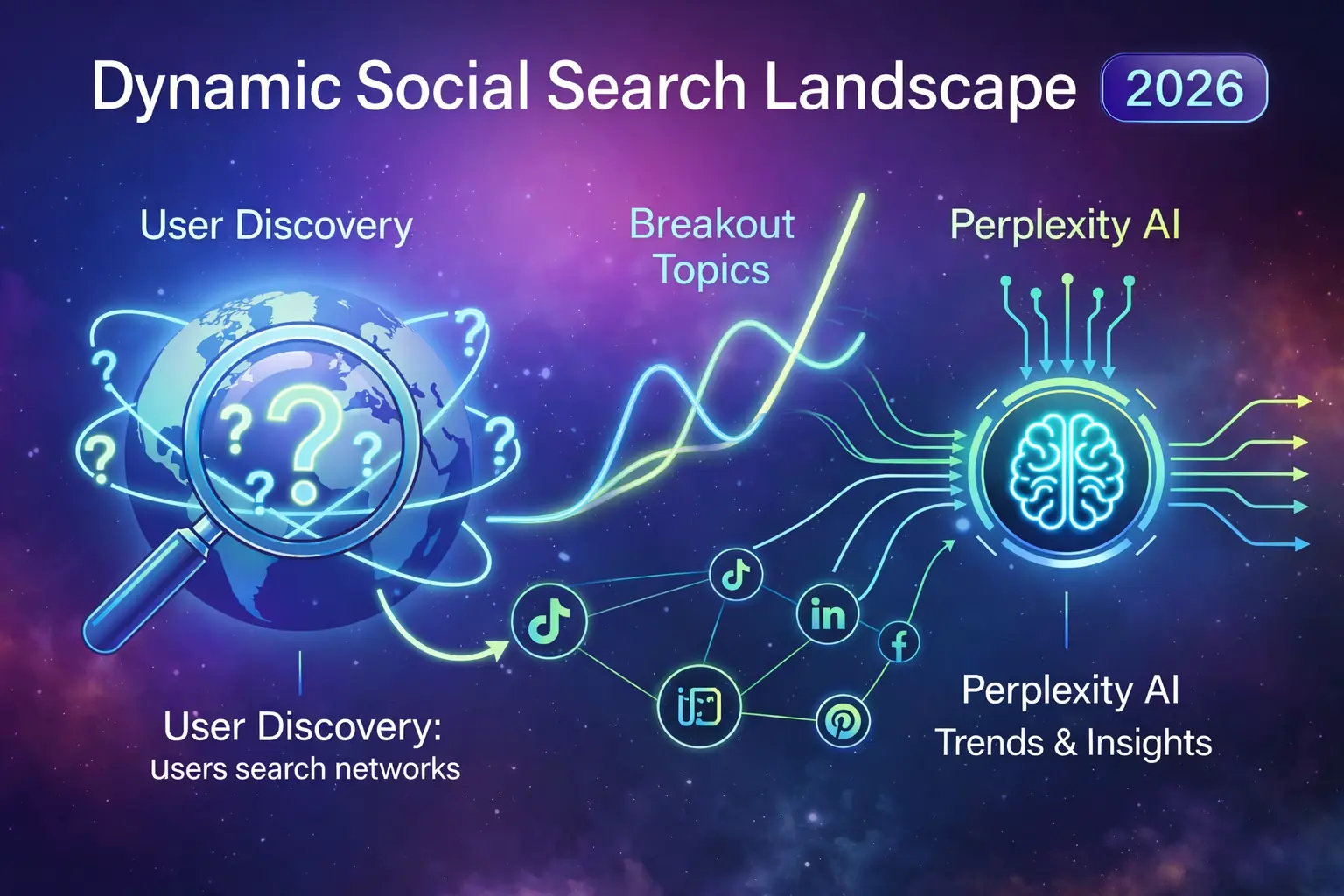
Before you hit “publish,” you need an idea. In 2026, social search has officially overtaken traditional search engines for Gen Z and Millennials. People aren’t just Googling; they’re “TikTok-ing” and “Insta-searching.”
1. AnswerThePublic
If you’ve ever wondered what’s actually going on in your customers’ heads, this is the tool. It visualizes search questions. Type in “vegan skincare,” and it gives you a map of what people are asking: “Is vegan skincare better for acne?” or “Best vegan skincare for 40s.”
- Why it works: It eliminates guesswork. You create content that answers real questions.
2. Google Trends
Simple, classic, and still undefeated. In 2026, it’s essential for catching “breakout” topics before they peak.
- Actionable Tip: Compare two topics (e.g., “AI Marketing” vs “Human-Centric Marketing”) to see which direction the global conversation is swinging.
3. Exploding Topics
This tool is like a crystal ball. It identifies trends before they become mainstream. Using the free version, you can spot niche interests that are about to blow up, giving you a massive “first-mover” advantage on platforms like LinkedIn.
4. Perplexity AI
While many use it as a search engine, it’s a goldmine for social research. Ask it: “What are the top 5 pain points for freelance graphic designers in 2026?” and it provides cited, real-time data.
5. Pinterest Trends
Don’t sleep on Pinterest. It’s a leading indicator for visual trends and consumer intent. If it’s trending on Pinterest today, it’ll be an aesthetic trend on Instagram in three weeks.
2. Content Creation: Making “The Good Stuff” Fast
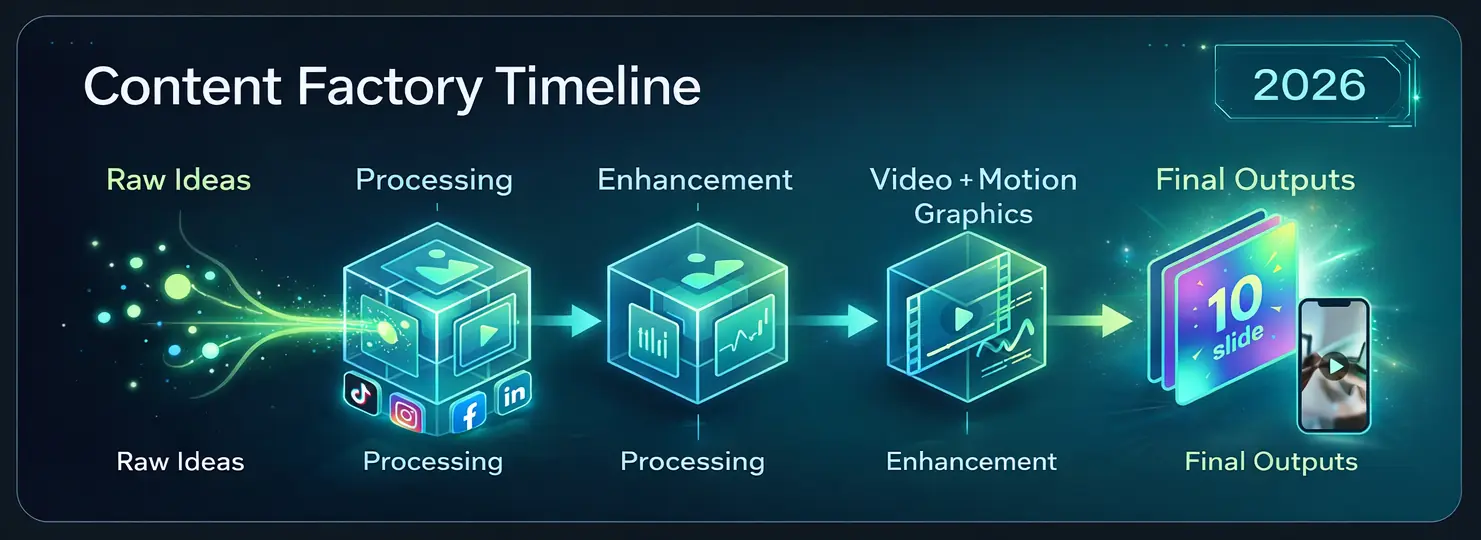
Content fatigue is real. In a world of “AI slop” (low-quality, generic AI content), your visuals need to look human, polished, and intentional.
6. Canva
Canva isn’t just a design tool anymore; it’s an AI powerhouse. The “Magic Studio” in 2026 allows you to turn a text prompt into a fully formatted social media post in seconds.
- Free Tier Perk: Still incredibly generous with thousands of templates and basic AI editing features.
7. CapCut
The undisputed king of mobile video editing. Since TikTok owns it (ByteDance), the integration and trending templates are always ahead of the curve.
- Stat Insight: Videos edited with trending CapCut templates see a 14% higher engagement rate on average due to “format familiarity.”
8. PostNitro
If you want to create those high-authority LinkedIn or Instagram carousels without being a graphic designer, this is it. It uses AI to turn your blog posts or ideas into stunning, swipeable slides.
9. Opus Clip
Video is non-negotiable. Opus Clip takes your long-form videos (like a YouTube link or a Zoom recording) and automatically cuts them into viral-ready “Shorts” or “Reels,” complete with captions and a “virality score.”
10. Adobe Express
Adobe’s answer to Canva. It’s particularly strong if you want that “Adobe look” without the steep learning curve of Photoshop. Their “Remove Background” tool is still one of the best on the market.
11. Pexels & Unsplash
Stock photos used to be cringe. In 2026, these platforms host high-end, cinematic photography that feels authentic. Perfect for those “aesthetic” background shots for your quotes.
12. Hemingway Editor
Good social media copy is simple. Hemingway helps you trim the fat. If your caption is too “wordy,” it’ll tell you. Aim for a Grade 7 readability level for maximum reach.
13. Meet Sona
A rising star for 2026. It helps you find your “verbal identity.” It conducts a short interview with you and then generates content that actually sounds like you, not a robot.
3. Management & Scheduling: Reclaiming Your Weekend
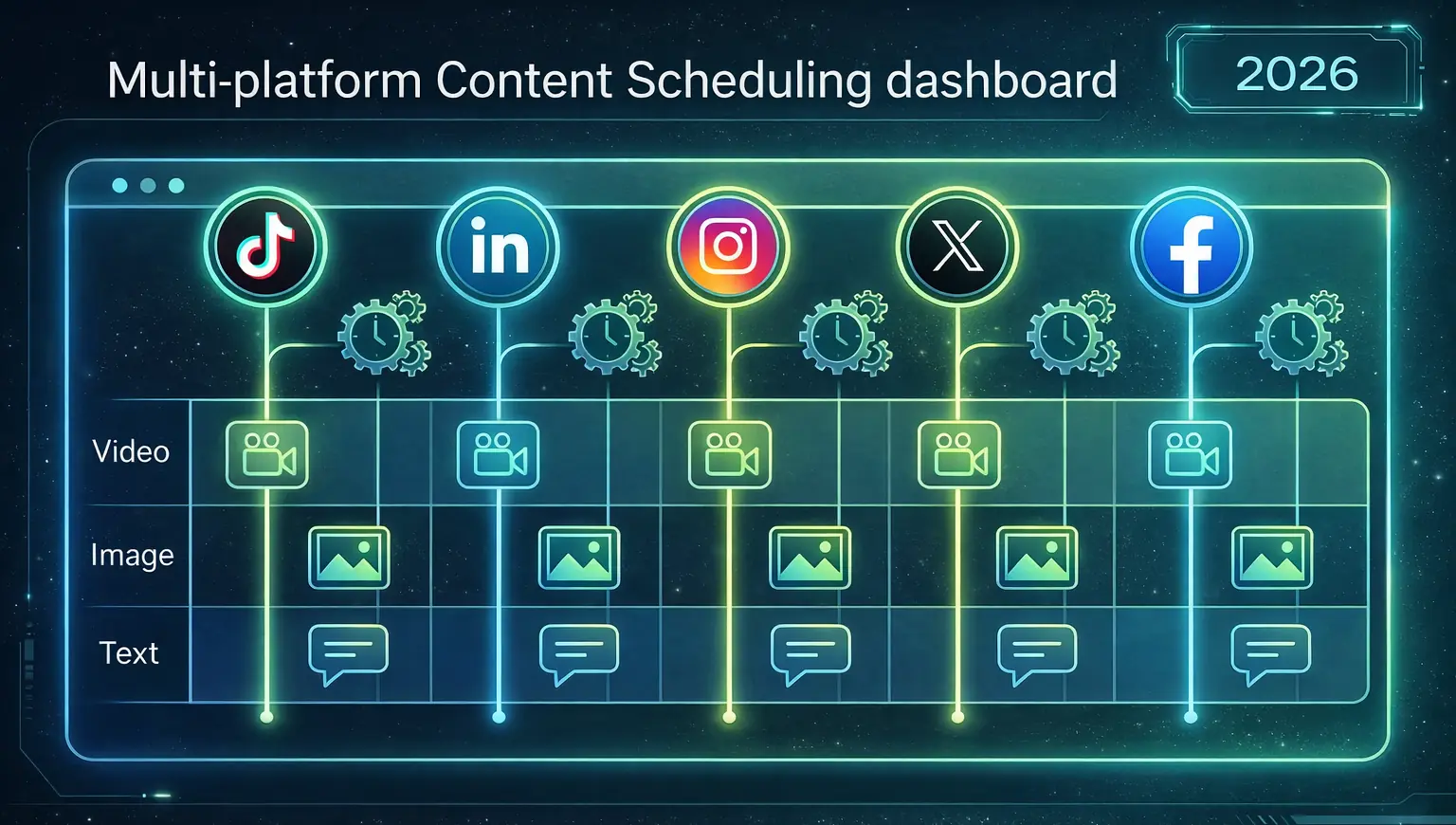
Consistency is what separates the pros from the hobbyists. But you shouldn’t have to be glued to your phone at 9:00 PM on a Saturday.
Comparison Table: Free Scheduling Tools 2026
| Tool | Free Limit | Top Feature | Best For |
| Buffer | 3 Social Channels | Simplest UI | Solo Creators |
| Metricool | 1 Brand (all platforms) | Best Analytics | Small Businesses |
| Later | 1 Set of Socials | Visual Grid Planner | Instagram/Visual Brands |
| Publer | 3 Social Accounts | Post Recycling | Content-Heavy Users |
| Pallyy | 1 Social Set | Beautiful Interface | Aesthetic Feeds |
14. Buffer
Buffer remains the gold standard for “clean” scheduling. Their free plan is perfect for those starting out.
- Pro Tip: Use their “Start Page” feature, it’s a free, customizable link-in-bio tool that looks great.
15. Metricool
If I could only pick one “all-in-one” free tool, this might be it. It lets you schedule to almost every platform (including TikTok and GMB) and gives you a professional-grade analytics report for free.
16. Typefully
If LinkedIn and X (Twitter) are your main playgrounds, Typefully is a dream. It’s designed specifically for writers. It makes “threading” and scheduling long-form thoughts incredibly intuitive.
17. SocialBee
SocialBee’s free tier is limited, but their “categories” system is brilliant. It allows you to shuffle your content so you’re never posting the same “vibe” two days in a row.
18. Facebook Business Suite (Meta Business Suite)
Don’t ignore the native tools. For Facebook and Instagram, the Meta Business Suite is the most reliable way to schedule Stories and Reels without third-party glitches.
4. Engagement & Growth: Building Real Community
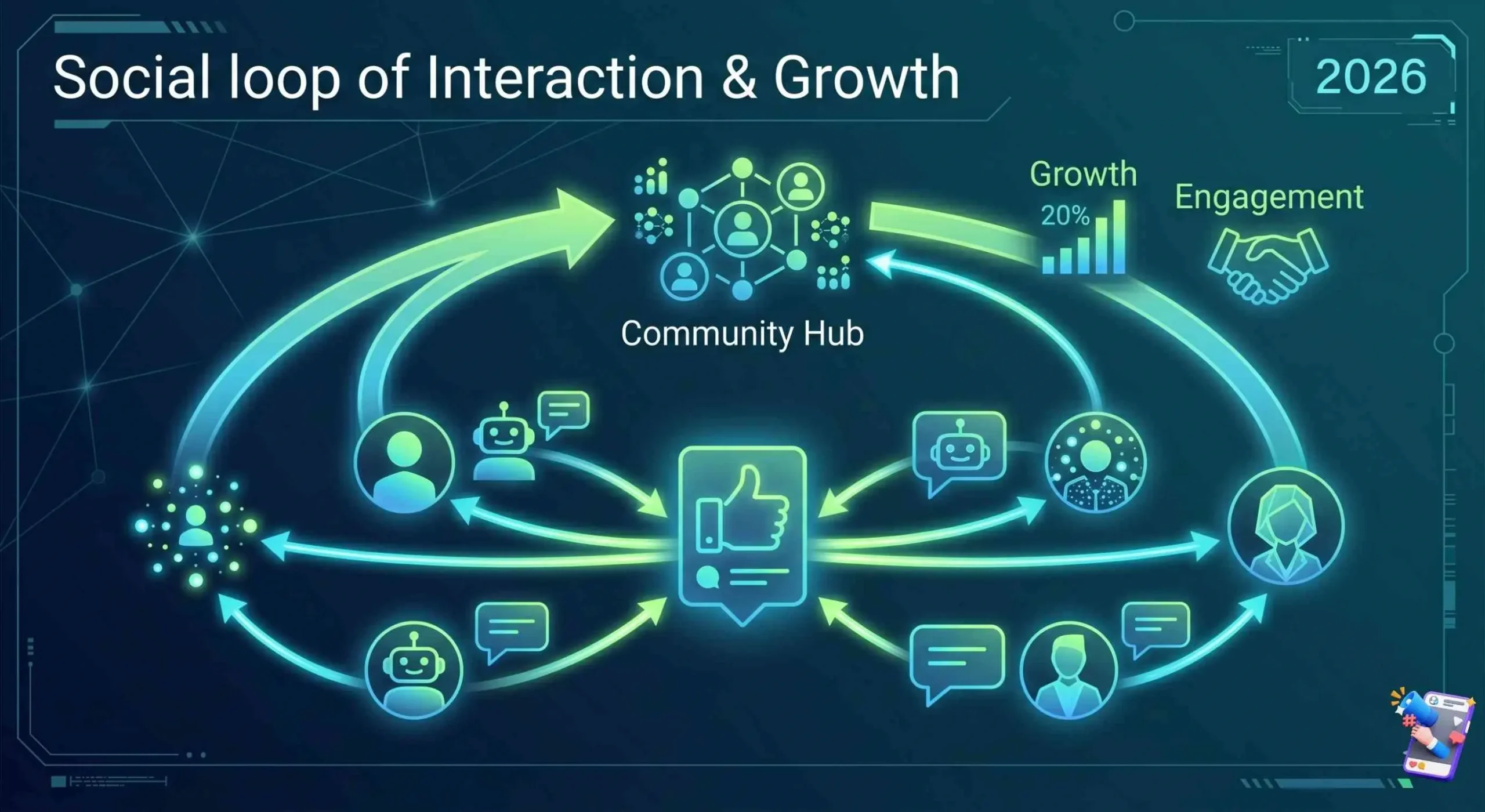
In 2026, “Reach” is a vanity metric. “Engagement” and “Community” are the real currencies.
19. ManyChat
The “Comment ‘GUIDE’ and I’ll send you the link” strategy is still massive. ManyChat automates this. The free tier allows you to set up basic automation that turns commenters into leads.
20. Linktree
Your “link in bio” is your digital storefront. Linktree’s free version is still the industry standard for directing traffic from social media to your website, shop, or latest video.
21. Sniply
This is a “hidden gem” tool. It allows you to add a Call-to-Action (CTA) to any link you share. If you share a news article from a major site, Sniply puts a small button at the bottom pointing back to your site.
22. Common Room
As community-first platforms (like Discord and specialized forums) grow, Common Room helps you track who your most active community members are across different platforms for free.
5. Analytics & Optimization: The “What’s Working?” Suite
You can’t improve what you don’t measure. Data doesn’t have to be scary; it just needs to be readable.
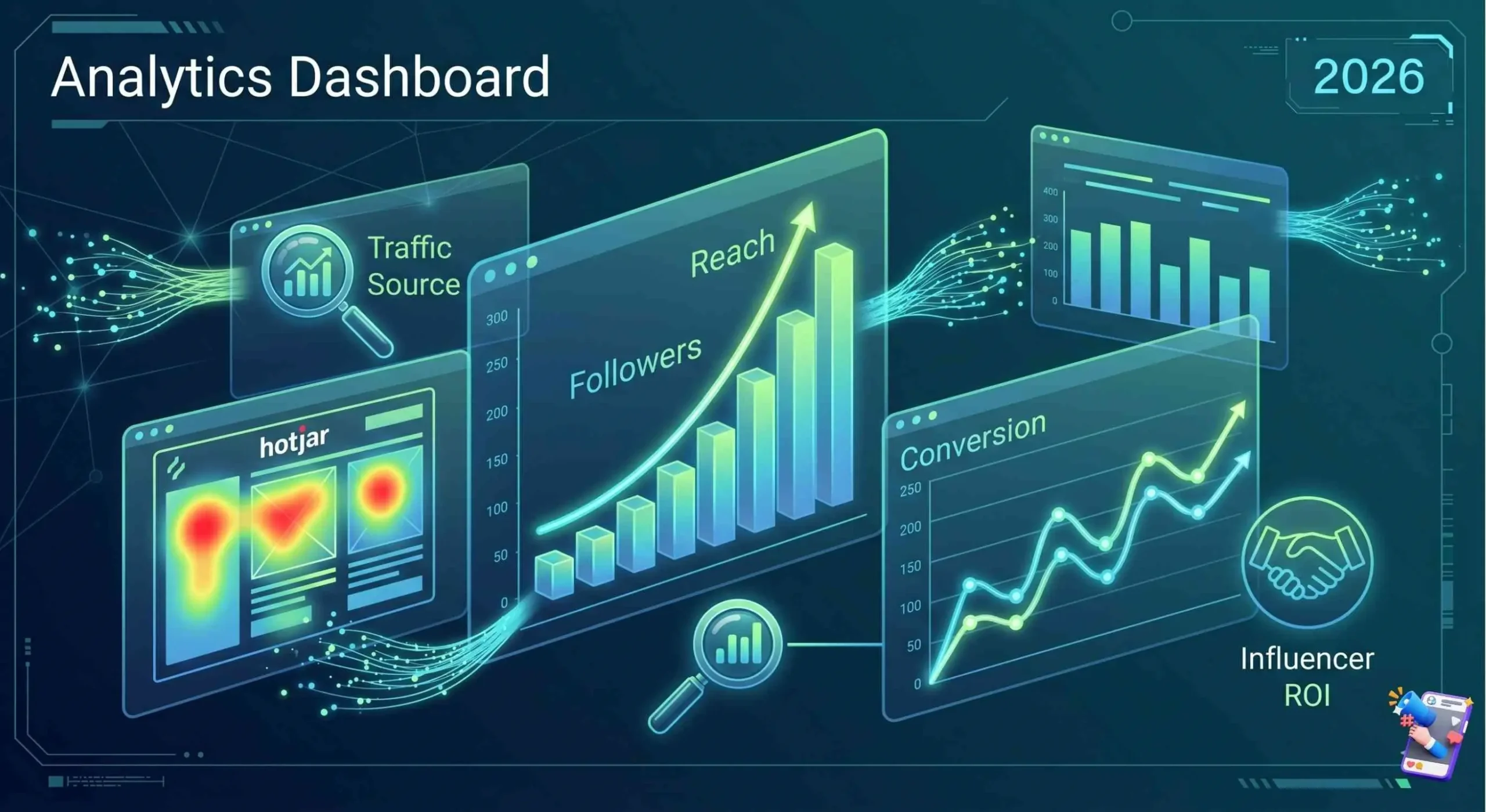
23. Google Analytics 4 (GA4)
It’s not just for websites. By using UTM parameters on your social links, GA4 tells you exactly which tweet or post actually led to a sale or a signup.
24. Hotjar (Free Version)
Ever wonder what people do after they click your “link in bio”? Hotjar creates heatmaps. If they’re clicking your link but leaving immediately, you know your landing page is the problem, not your social media.
25. Rival IQ (Free Head-to-Head)
This is a fun one. It lets you compare your social performance directly against a competitor. It’s a great reality check to see if your engagement rate is actually “good” for your industry.
26. Social Blade
Want to see if that influencer you want to partner with has a real following? Social Blade shows you their growth trends. If they gained 50,000 followers in one day and lost them the next, that’s a red flag.
6. The “Secret Sauce” Tools: Niche & Productivity
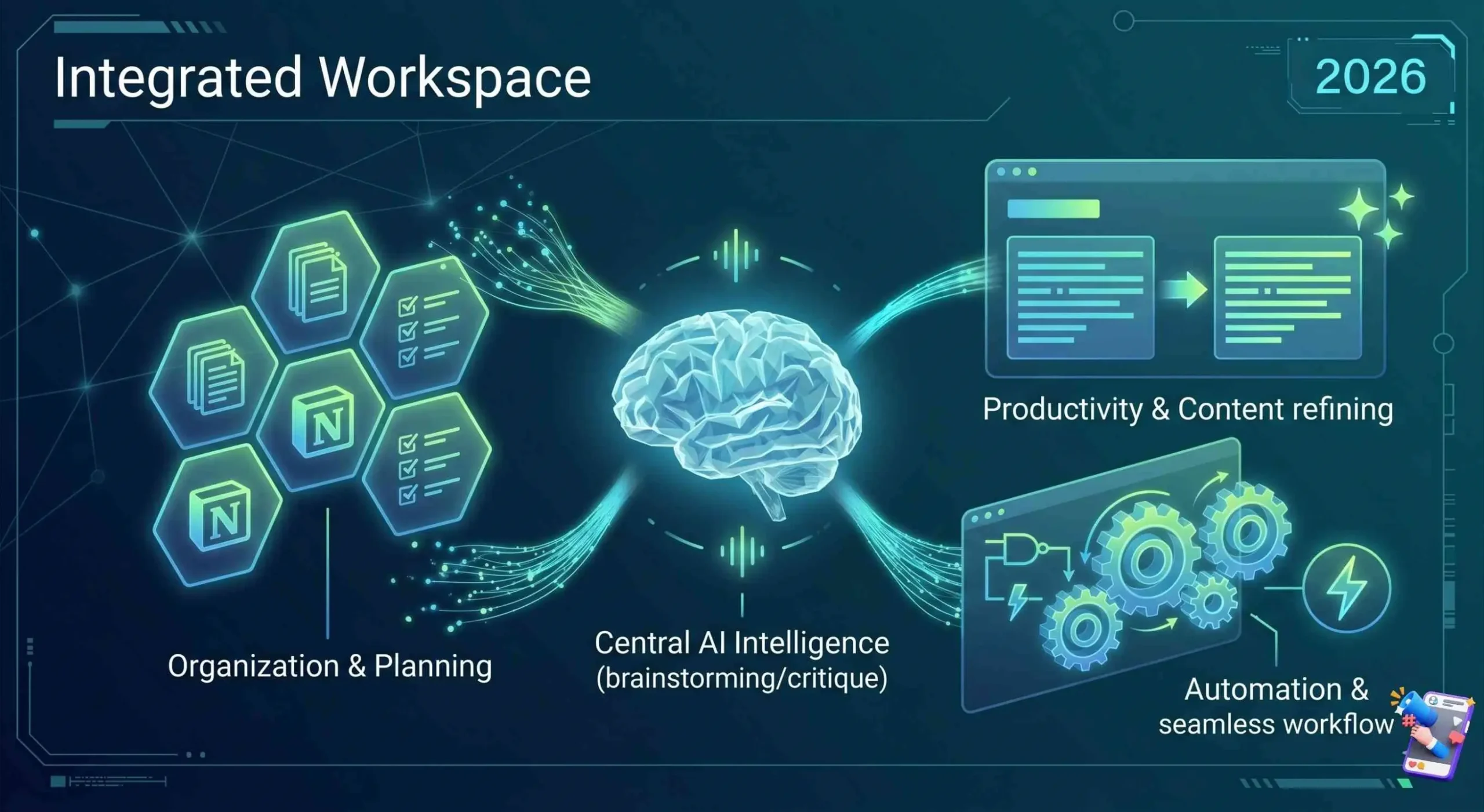
27. Notion
Notion is my social media “command center.” I use it for my content calendar, script writing, and brand asset storage. There are thousands of free social media templates available.
28. ChatGPT / Claude
While we’ve mentioned niche AI tools, the “big two” are still essential for brainstorming.
- Actionable Tip: Don’t ask it to “write a post.” Ask it to “critique my post from the perspective of a skeptical customer.”
29. QuillBot
Sometimes you have a great idea, but the wording feels clunky. QuillBot is a paraphrasing tool that helps you “remix” your own content for different platforms.
30. Zapier (Free Tier)
Zapier is the “glue” of the internet. You can set it up so that every time you post a new YouTube video, it automatically creates a draft post in Buffer. It’s automation for people who can’t code.
The 2026 Social Media Landscape: By the Numbers
- 5.66 Billion: The number of active social media users worldwide in 2026.
- 6.75: The average number of platforms a single user engages with monthly.
- 2h 40m: The average daily time spent on social apps per user.
- Social Search: 45% of users now prefer social media over Google for product discovery.
Conclusion: It’s Not About the Tool, It’s About the Human
We’ve covered 30 incredible Social Media Marketing Tools, and while they will undoubtedly make your life easier, remember this: Tools are multipliers, not creators.
A hammer doesn’t build a house; a carpenter does. In 2026, the brands that win aren’t necessarily the ones with the sleekest AI-generated graphics. They are the brands that use these tools to free up time so they can actually talk to their followers.
Use these tools to handle the “boring stuff”, the scheduling, the resizing, the data entry, so you can focus on the “human stuff.” Tell stories, show your face, and be helpful.
Ready to level up? Pick just three tools from this list today, one for creation, one for scheduling, and one for analytics, and master them. Your future self will thank you.
FAQ: Everything You Need to Know About Social Media Tools in 2026
1. Are free social media tools safe for my data?
Most reputable tools like Buffer or Canva use industry-standard encryption. However, always check the “Permissions” when connecting an app to your social accounts and revoke access if you stop using the tool.
2. Can I manage all my platforms with just one free tool?
Metricool is the closest you’ll get to an “all-in-one” for free in 2026. Most other tools limit you to 3 accounts or a specific number of posts per month on their free tiers.
3. Is AI-generated content penalized by algorithms in 2026?
Not inherently. Platforms like Instagram and TikTok penalize low-effort or repetitive content (often called “AI slop”). If you use AI to enhance your creativity rather than replace it, you’ll be fine.
4. Do I really need a scheduling tool?
If you want to grow, yes. Consistency is the primary signal algorithms use to judge “quality.” A scheduling tool ensures you stay active even when you’re busy.
5. Which tool is best for a complete beginner?
Canva for design and Buffer for scheduling. They have the shallowest learning curves and the most “friendly” user interfaces.
Use Buffer for scheduling, Canva for design, and Metricool for analytics. These three form the “Power Trio” of free social media management in 2026.
- Know Why social media is good for business.
- Know the difference between B2B vs B2C Social Media
- Top Digital Marketing Strategies for 2026